
GSPRO
Ultra-realistic ball-flight physics
Beautiful, True-to-life course designs
Online play and competitive community features
Ultra-realistic ball-flight physics
Beautiful, True-to-life course designs
Online play and competitive community features
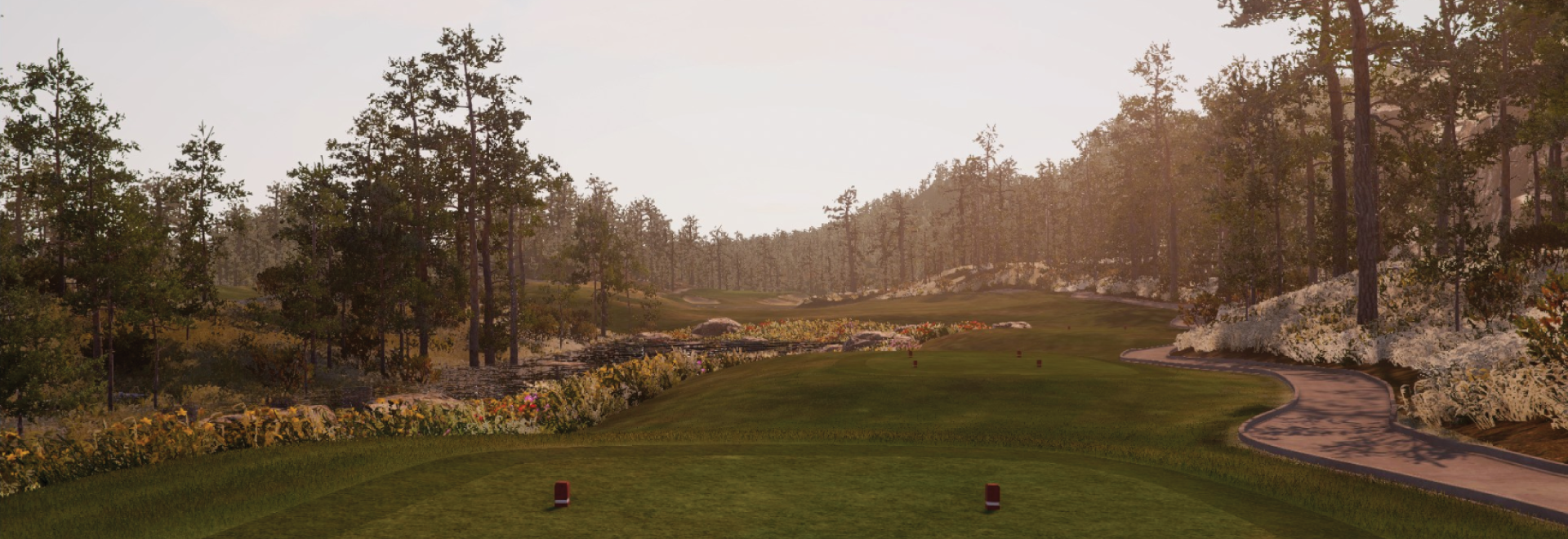

GSPRO Software (Download from Official GSPRO website)
GSPRO license and login account
SQG GSPRO Connect (Connector between Square Golf and GSPRO download at Support page of Square Golf web page)
Square Golf Launch Monitor
First turn on your Square Golf and wait until the boot is complete.
Once you prepare your license and login account, execute "GSPro Launcher" on your PC and log in. Then select "Open API" in GSPro connector.
Run the connector program on your PC. After running the connector program, click the connect button in the order of square golf device and GSPro to activate the connection between the device and GSPro.
If Step 3 is completed normally, all preparations are complete and you can play the game you want using GSPro menus. For instructions on using each menu of GSPro, refer to the official GSPro web page.